

In this project I am exploring different ways of integrating the Elgato Stream Deck 15 into a Smarthome (HomeAssistant based). (This post is not sponsored, … yet😉)

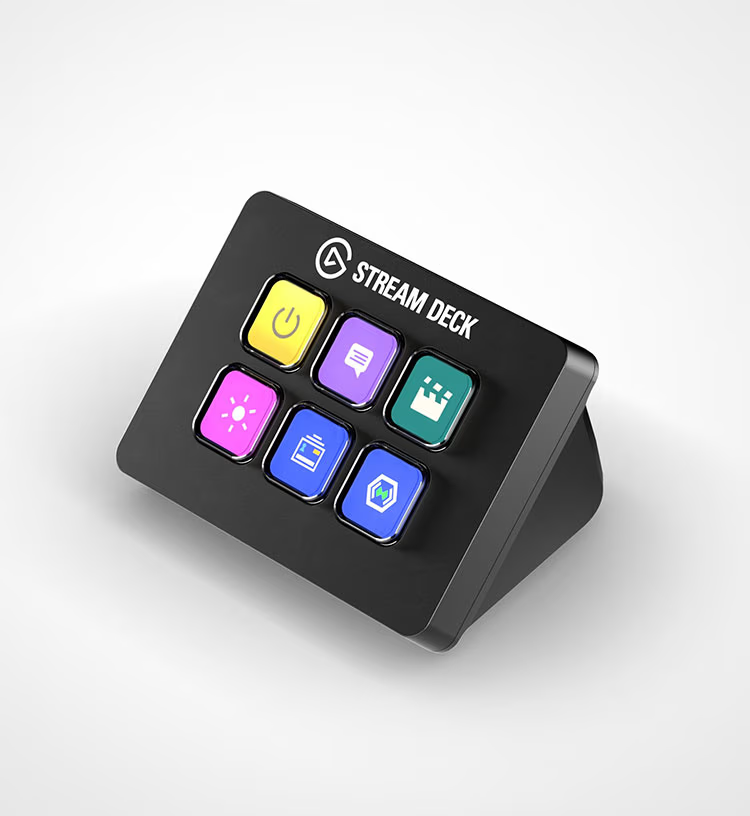
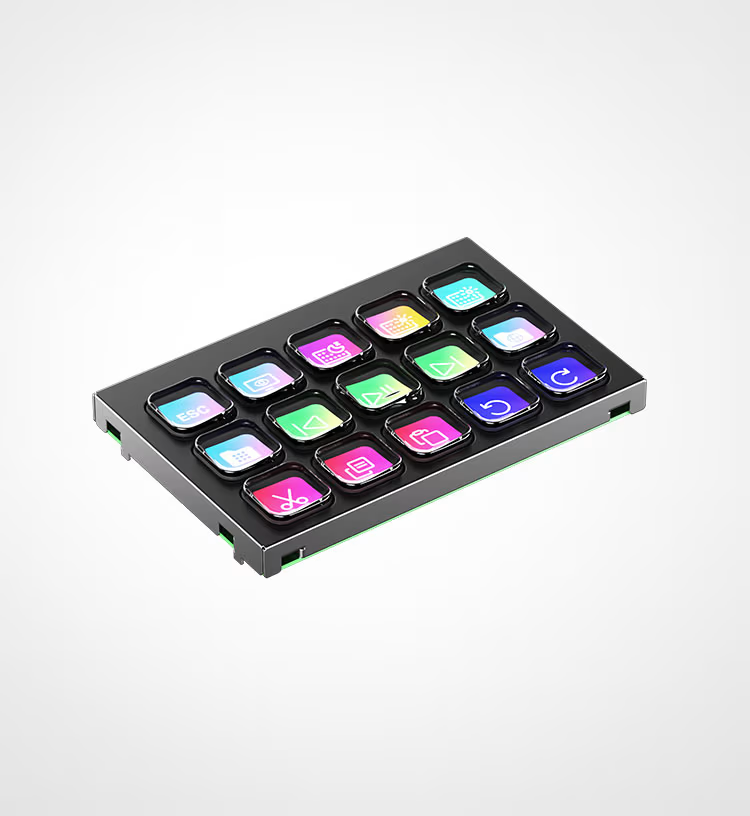
The Stream Deck is neat because it has a display under the buttons. You can change the look and behaviour of the buttons as you like and also make them display information in a dashboard-like fashion.
Different sizes are available and they even sell modules for Makers to add to other projects. 3D-Models are available on their website which i very much apprechiate!
My opinion about the Elgato Stream Deck products
Price: The Elgato Stream Deck Products are not cheap however i would also not describe it as overpriced.
Quality: The overall build quality feels stirdy but the classical keys feel a bit wobly. There are Scissor Type Keys that might have a better feel.
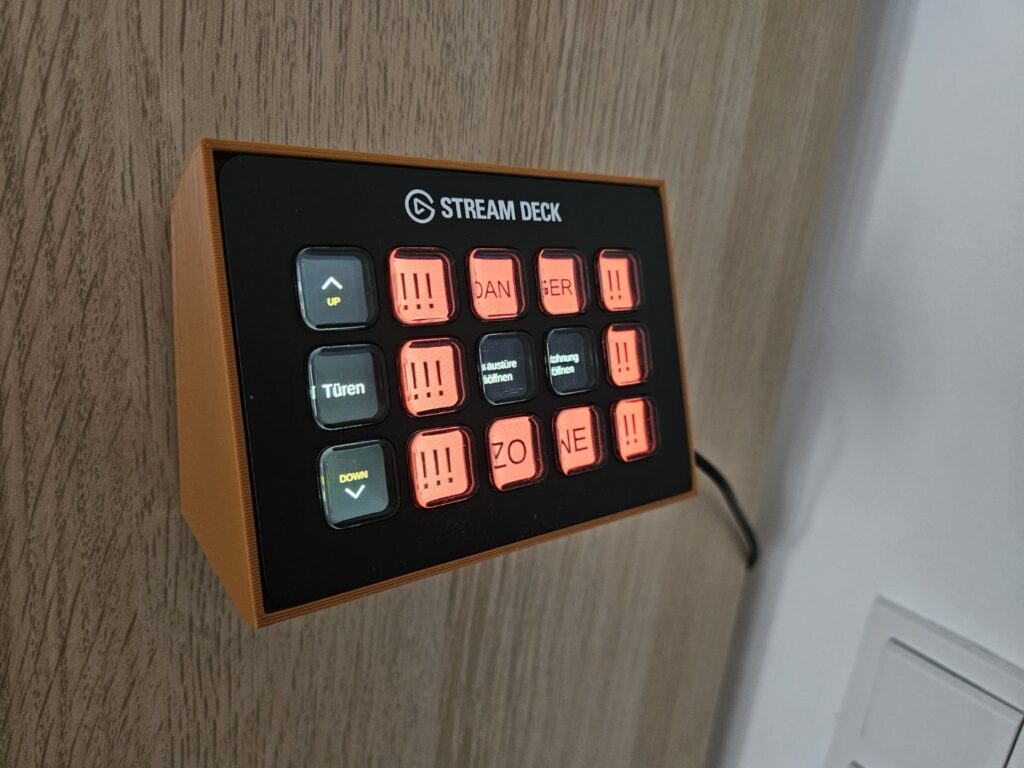
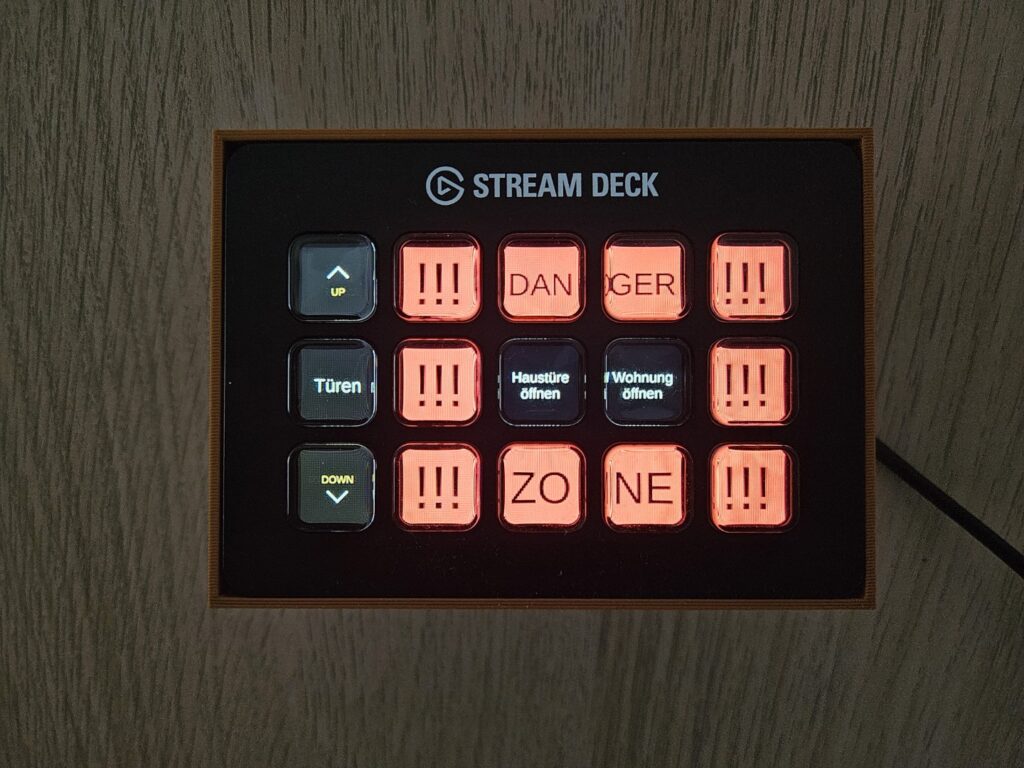
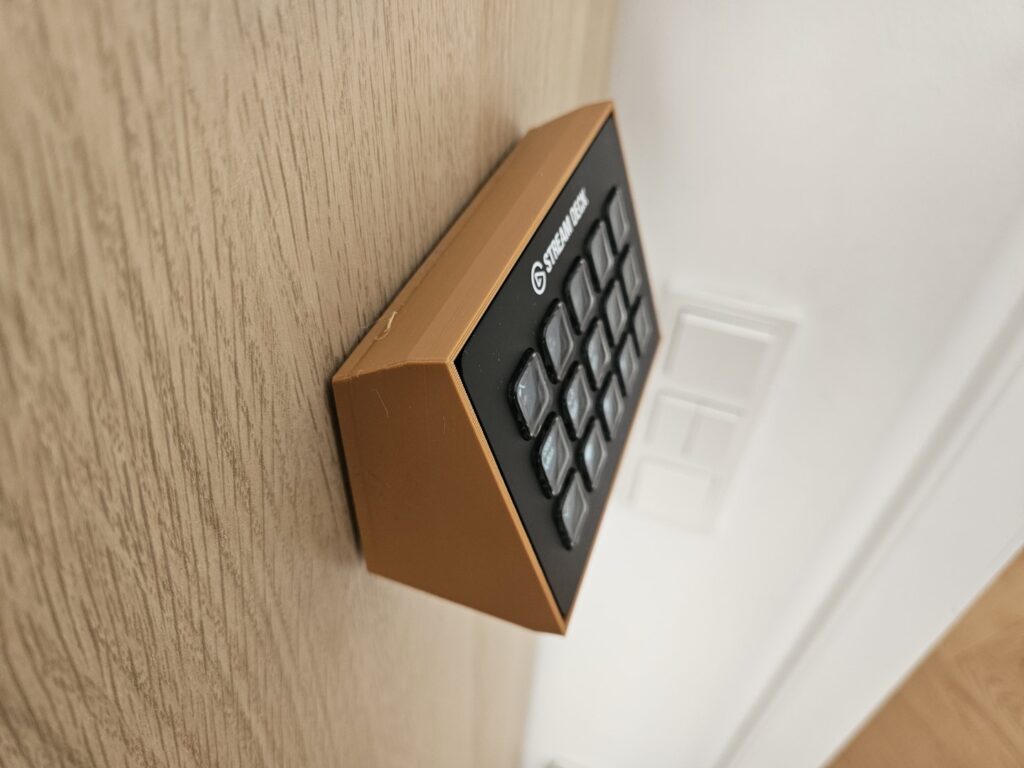
Appearance: The viewing angles of the keys are not great, if you have small text on the side of the key it might disappear if you dont look front on. This can be seen in these images:
Software
Elgato provides companion software for connecting the Stream Deck to a PC, Mac or Linux, however I am mainly interested in having the Stream Deck standalone without requiring a PC to be powered on.
For interfacing with the Stream Deck I found the Software Bitfocus Companion which appears to be built for Live Video Production use cases. It supports many button pads among them also most Stream Deck models. Bitfocus Companion can run nativelly on a Raspberry Pi or in a Container. There are also native apps for PC, Mac and Linux. The companion Software can connect to HomeAssistant via the API.
Thoughts about Bitfocus Companion
Bitfocus Companion is free and Open Source. Bitfocus Buttons appears to be the paid software and I guess is how Bitfocus sustains itself. However this is not required for this project.
Pros
- The software takes a little time to get used to but i was able to get it running in a short time without needing to watch any tutorials.
- I like that configuration can be easily exported and imported which makes it easy to start building a view on one app and then migrating it to a Raspberry Pi or Container.
- There is a Web Emulator that lets you emulate how the buttons are going to look.
- With the Webpage Buttons feature you can even build a view just for putting on a Phone or tablet.
- Connecting the software to Stream Deck via USB or Local Network is very easy and was very stable in my experience.
Cons
- The Webapp which is the main interface to configure the buttons is quite clunky and sometimes unintuitive.
- The Webapp is password protected but in such a way that the password can be read in the configuration. This means the password is not properly hashed and stored in plaintext. Be sure to keep the device on a seperate network.

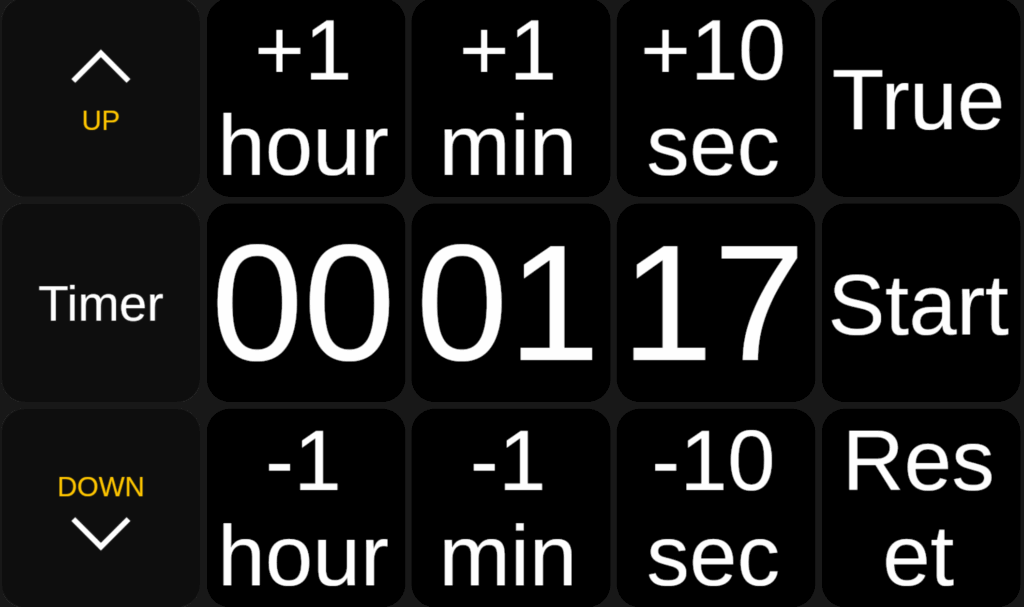
Timer not possible 😑
There is a stopwatch feature on the device, I tried for hours to get it to work as a timer but I did not succeed. I am able to set a timer and add and subtract seconds, minutes and hours in a satisfying way but I cannot make it trigger something once the timer runs out. If someone manages to do it please leave a comment and tell me how.
Hardware Recommendations
Bitfocus recommends a Raspberry Pi 4 or 5 or equivalent. I tested with a Raspberry Pi 4 4GB. It seemed to work fine and looking at the utilization the Pi looks bored. Maby older models might also work. If you are interested i might look into running it off a Raspberry Pi Zero W. Leave a comment if you think this will work.
Working Configurations:
I tested the following configurations and found all of them to be working very well.
Stream Deck + Companion Pi

The Raspberry Pi is flashed with the Companion Pi ISO and runs the software nativelly.
Stream Deck + Companion Container on HomeAssistant Pi
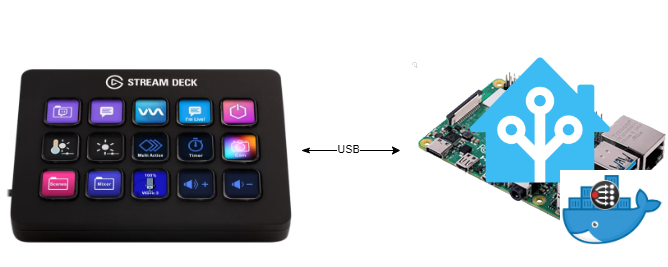
On the HomeAssistant Pi runs a Bitfocus Companion Container (Add-On). The USB is passed through to the container. (Bitfocus Companion in the container still connects to HomeAssistant via the REST-API)
Stream Deck + Network Dock + Companion Container on HomeAssistant Pi

The configuration is the same as before. The only difference is that the Stream Deck does not connect to HomeAssistant via USB but via the Elgato Network Dock that can be powered via PoE. Bitfocus Companion could also run anywhere else since it can be deployed containerized.
In Bitfocus Companion you can just put in the IP-Address of the Network Dock and it will work just like that.
The Elgato Network Dock is not cheap but all in all it is cheaper to go that route instead of going with a new Raspberry Pi.
The Network Dock is about 80€ and the Raspberry Pi is over 100€ if you factor in the SD-Card, Case, Fan and Power or PoE adapter.
Stream Deck + Desktop App and Bitfocus Plugin + Companion on HomeAssistant Pi
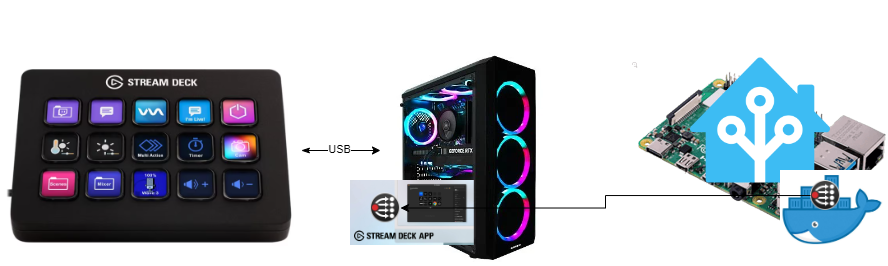
The Stream Deck is plugged into the pc running the Stream Deck App. There is a plugin for Bitfocus Companion which is connected to a full Bitfocus Companion instance. You can then switch the Stream Deck between traditional Views for controlling the pc´s behaviour and the Bitfocus view. I found this to be the most cluncy setup and unltimatelly uninteresting for me.
Conclusion
This is a very good alternative to slapping a tablet on the wall. The buttons can show a little information and be customized very well. Anyone who has experienced slow and laggy Smarthome Dashboard Tablets will apprechiate the elegance and responsiveness of this solution. Just pressing a button is satisfying and can go into mussle memory.
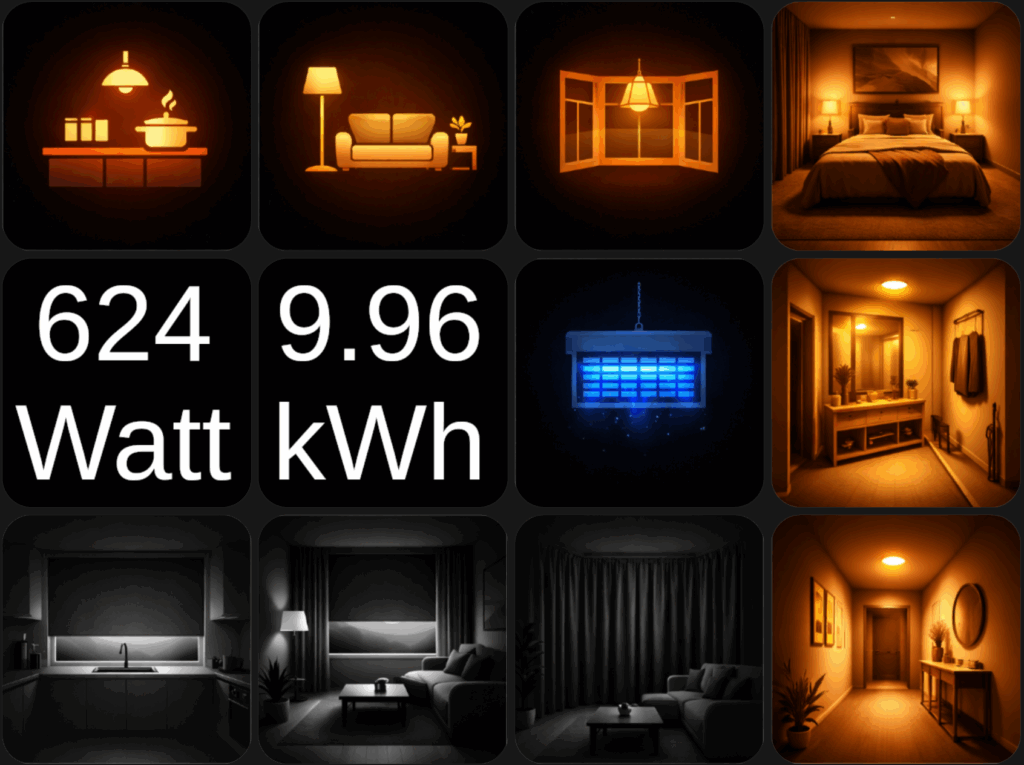
With a little help from generative Ai i was able to create icons both illuminated and non-iluminated for on and off:
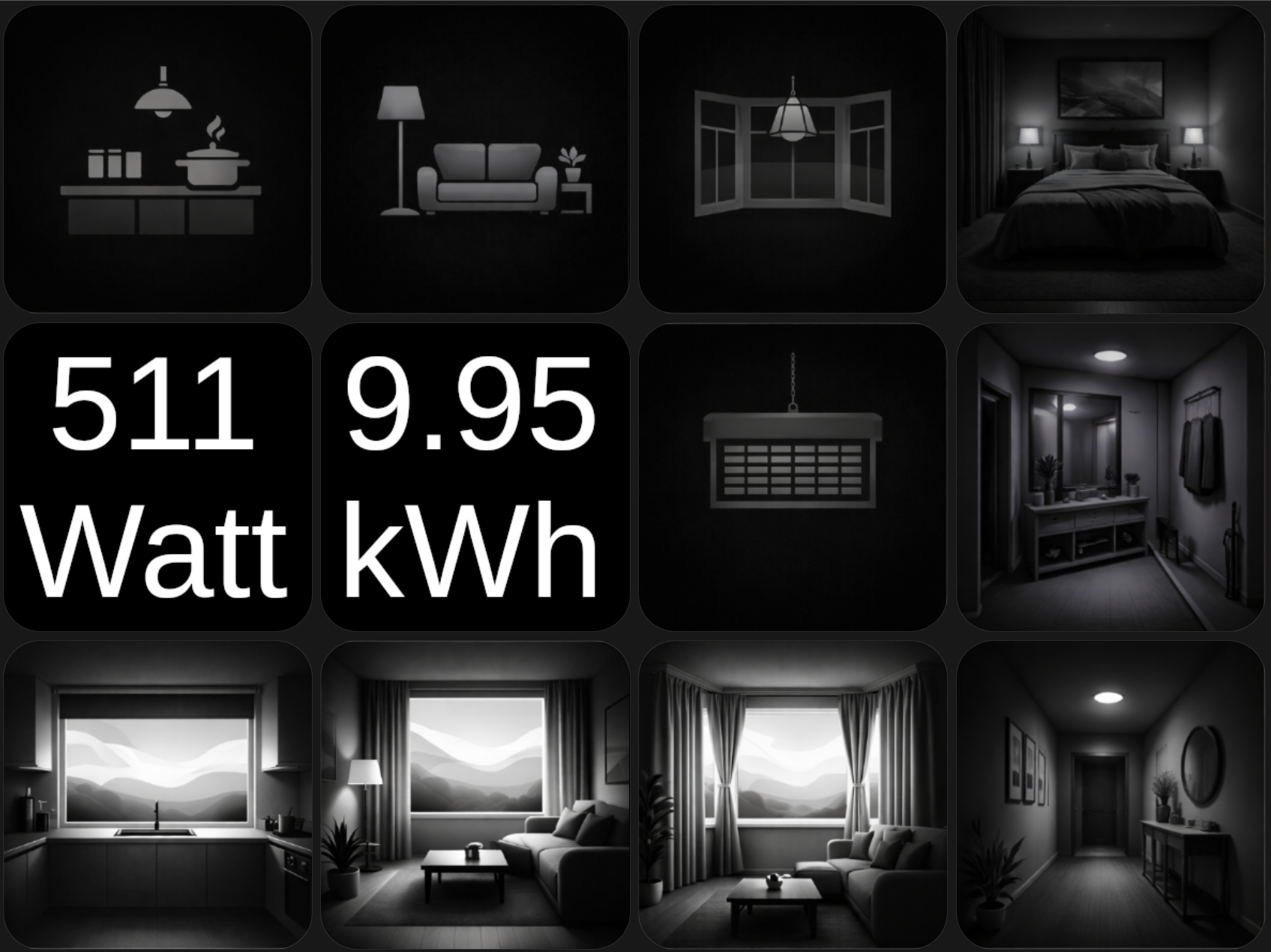
The custom mount can be found here on Makerworld.

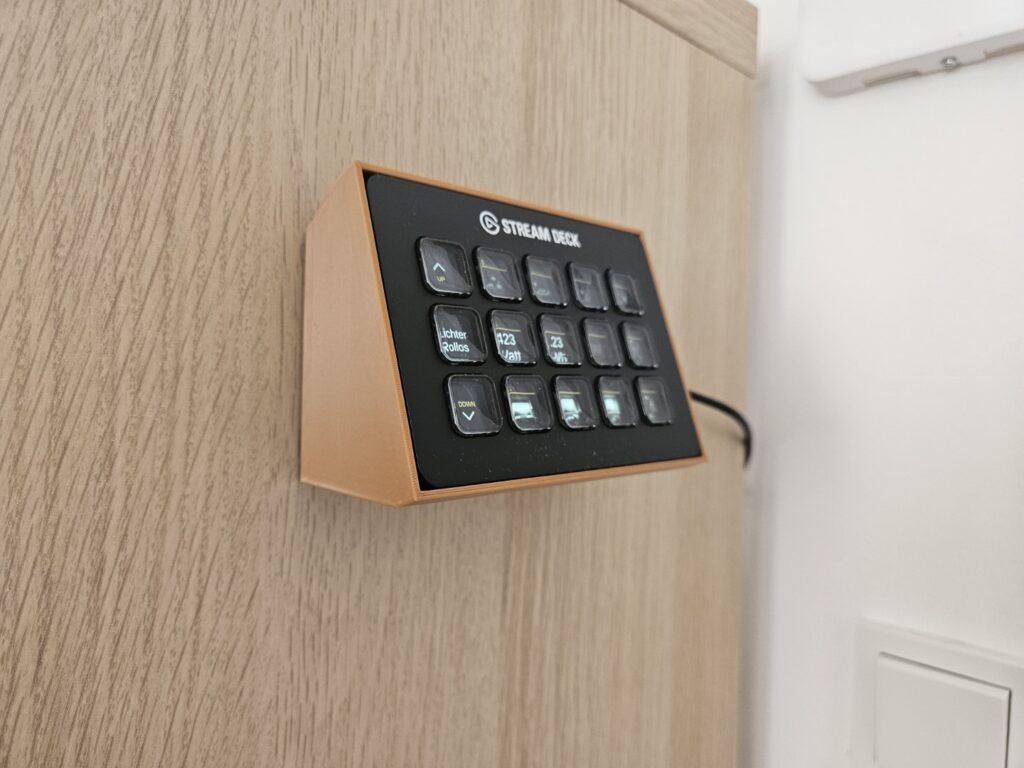
If you want more information on how to connect HomeAssistant to Bitfocus companion, how to get Metrics from Homeassistant onto the Stream Deck and how to make it dim after a certain time and based on entities in HomeAssistant, please leave a comment. I can throw together a tutorial on how to achieve these helpful things.